
Bling Bling, Computer In A Box!
by James MacLaren
Here’s how to do it!<p>
Step by step, EZ-2-use instructions!<p>
 <p>
<p>
Get a box.<p>
 <p>
<p>
And an old motherboard (preferrably an oddball one that won’t fit into any of the cases you have laying around).<p>

Use wood screws to screw the motherboard to the box or otherwise it will fall out and maybe break or something.
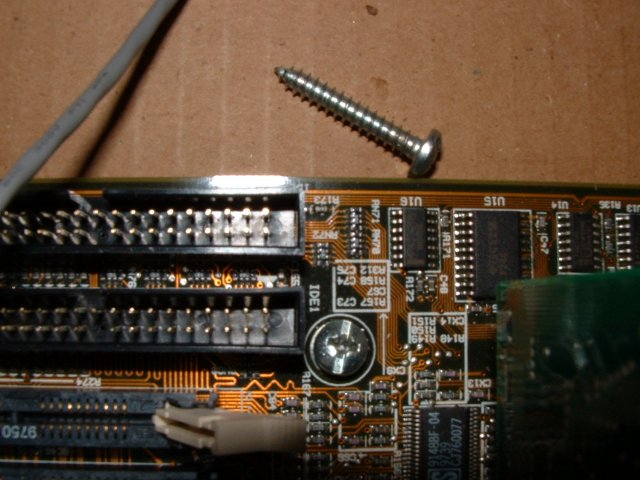
You know, like REAL wood screws. Try not to drill any holes into the motherboard. There oughtta be a few there already that you can use as long as you make sure the screws aren’t too big or anything.
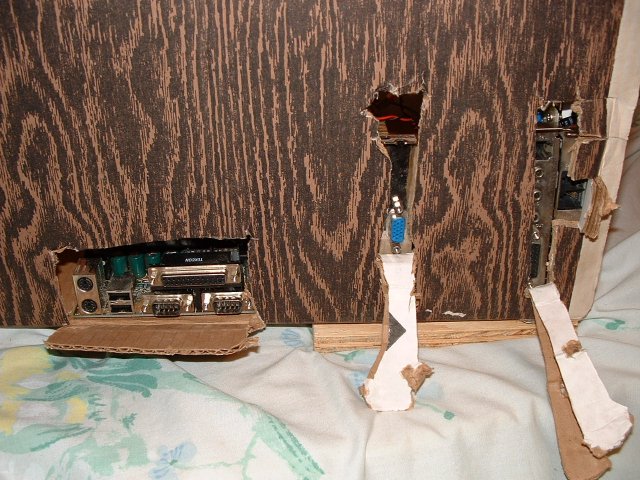
Use your pocket knife and cut some holes into the box so the wires can go to the stuff that’s on the motherboard. Maybe put the motherboard in the box and check to see where stuff goes before you start cutting. That way the holes will be in the right places. But be careful with the knife and don’t go cutting something on the motherboard.
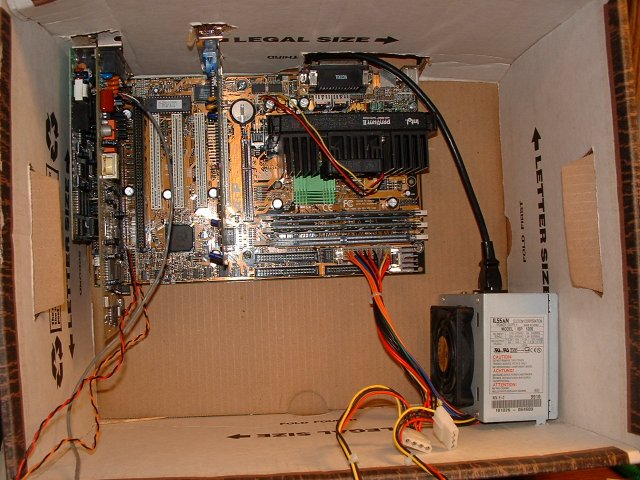
Then you can start putting things inside like power supplies and stuff.
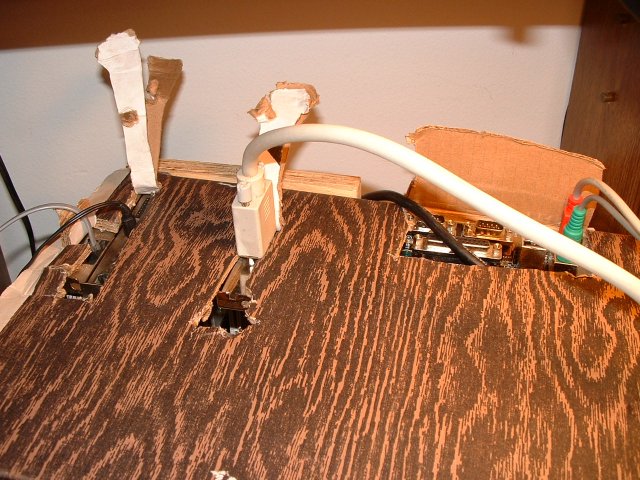
And then you can connect the wires through them holes you made with your pocket knife.

Don’t forget the little red light to let you know it’s running, ok?
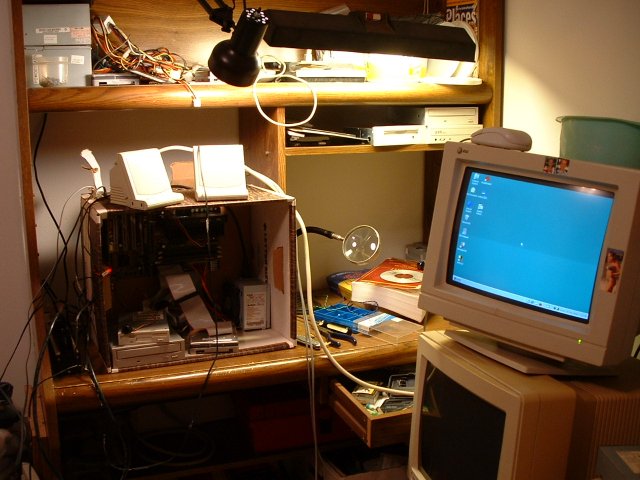
A couple of snazzy speakers helps give it that “sleek” modern look, and these are really cool ‘cause they don’t even need external power, they just plug into the sound card and away you go. They don’t really play very loud though.
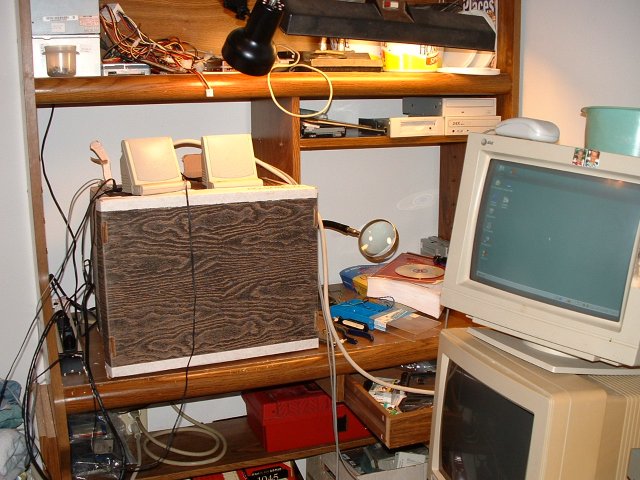
Button it up with the simulated wood grain top for the box and you’re ready to go!


